
Capture Your Screen with Ease
ScreenVirtuoso Pro is a desktop application designed to simplify screen recording for users across various professional and personal scenarios. It enables the capture of on-screen activity, making it ideal for creating tutorials, instructional videos, and live presentations. By transforming visual workflows into shareable video content, the software enhances communication clarity and reduces the need for lengthy verbal explanations.
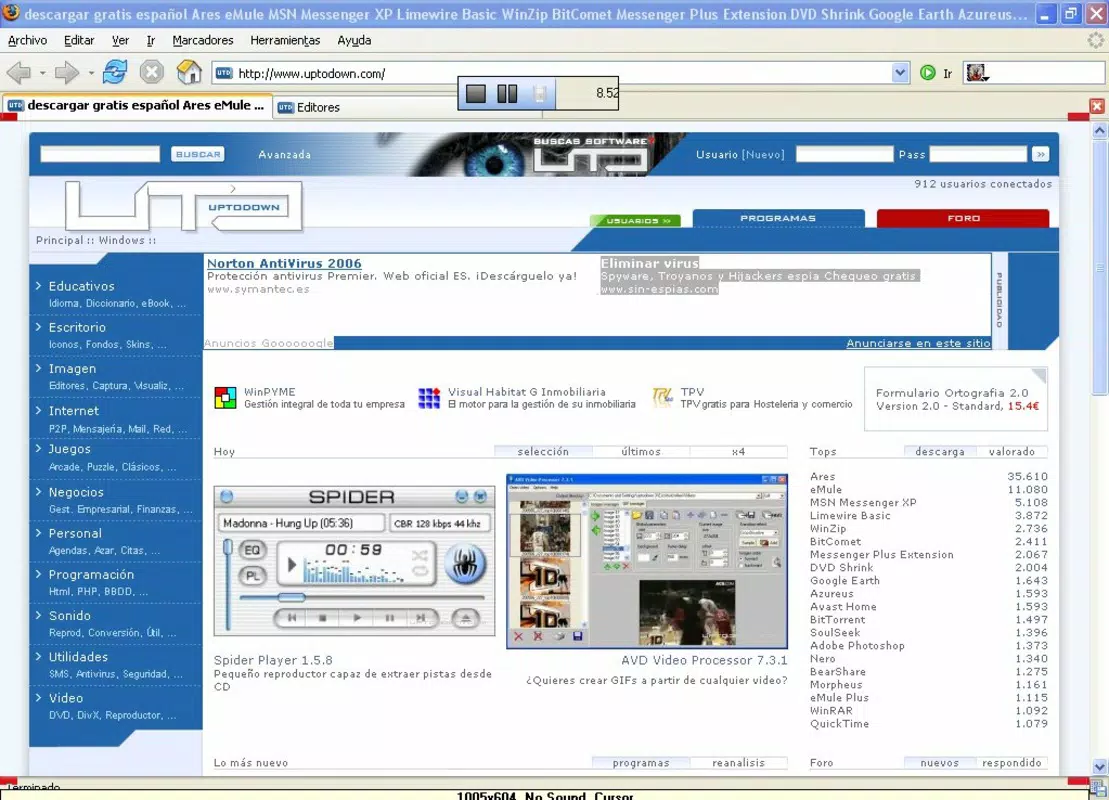
It is suitable for educators, content creators, remote team leaders, and anyone who needs to demonstrate digital processes visually. The application supports recording of entire desktops or specific windows, offering flexibility in content creation. With built-in audio integration, users can narrate their actions or add background music, enriching the final output.
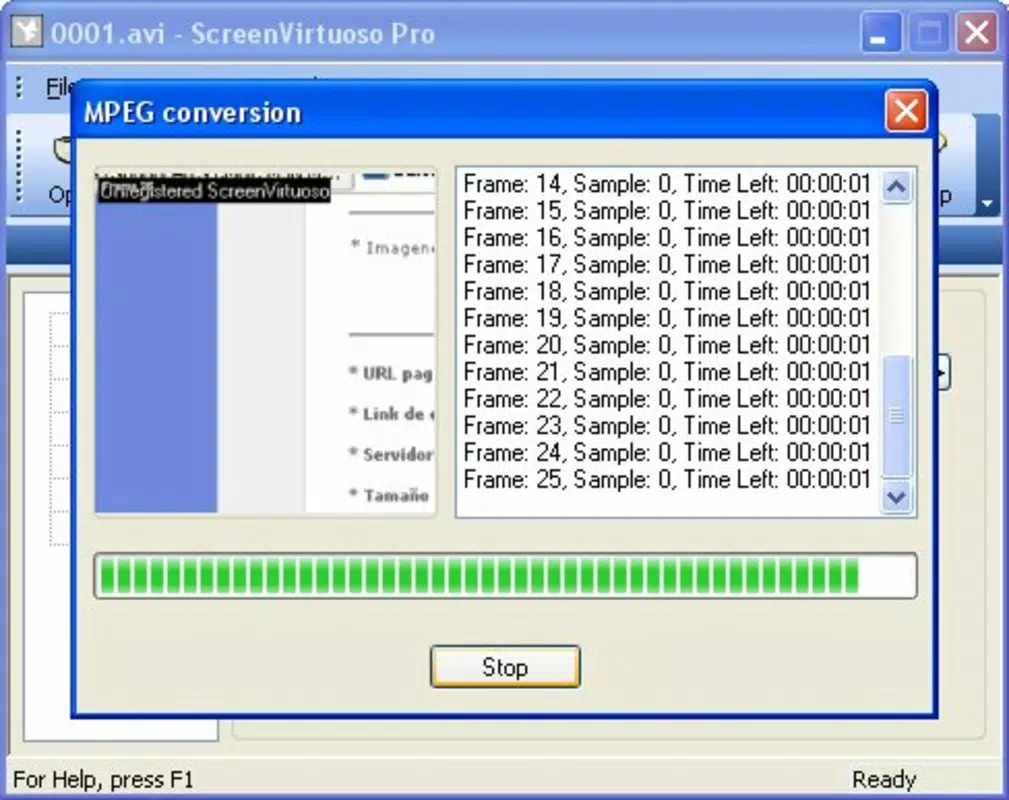
The resulting videos are saved in the widely supported .avi format, ensuring compatibility across most devices and media players. This feature is particularly beneficial for users who need to share recordings without format conversion. The developer, ScreenVirtuoso Inc., has focused on usability and functionality, aiming to deliver a streamlined experience for both novice and experienced users.
The software was released on September 11, 2019, and remains relevant in the growing market for visual communication tools.
Key Features & Capabilities
- User-Friendly Screen Recording: The software allows users to start recording with minimal effort. Whether capturing a full-screen session or a single application window, the interface enables quick setup and intuitive control. This is especially useful for creating step-by-step guides or demonstrating software features in real time.
- AVI File Format Output: All recordings are saved in .avi format, which is compatible with a wide range of media players and operating systems. This ensures that shared videos can be viewed without requiring additional software or conversion tools.
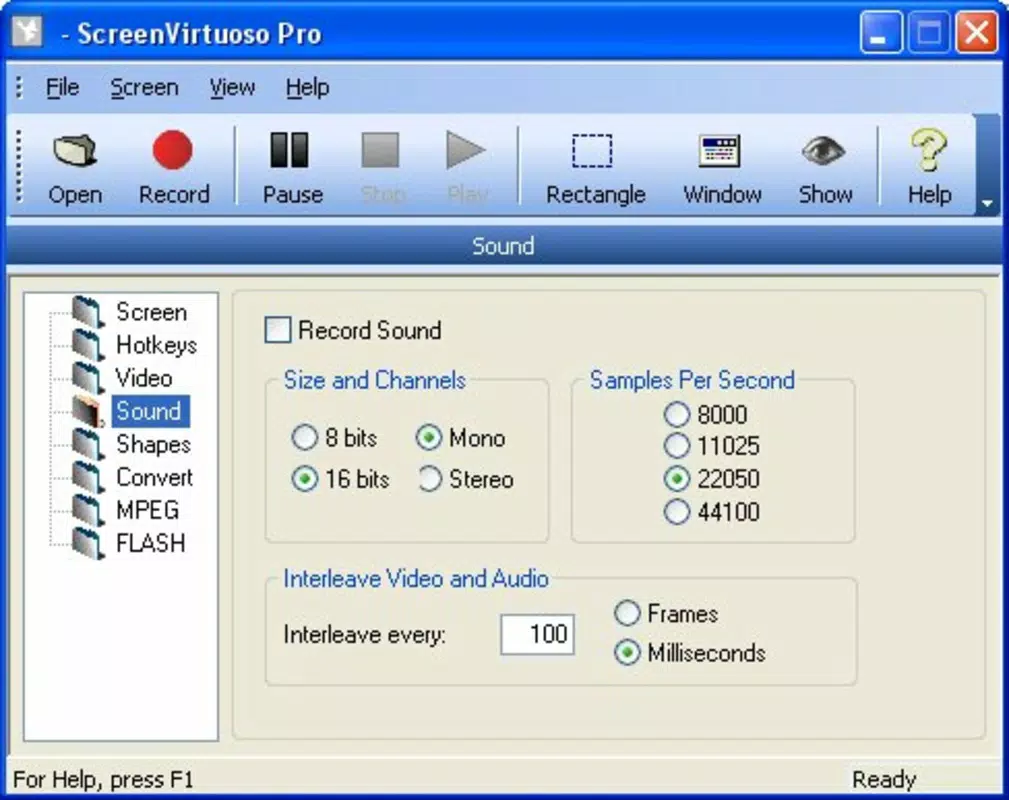
- Audio Customization: Users can record their voice via the microphone or include background audio, adding context and narration to visual content. This feature enhances engagement and clarity, particularly in educational or training materials.
- Time-Saving Functionality: Instead of explaining processes verbally, users can create visual demonstrations that convey information more efficiently. This reduces communication overhead and improves understanding, especially in remote or hybrid work environments.
- Post-Recording Editing Tools: After capturing a session, users can trim unwanted segments or adjust audio levels to refine the final video. These tools support the creation of polished, professional-quality outputs without requiring external editing software.
User Interface, Workflow & Performance
The user interface of ScreenVirtuoso Pro is designed with simplicity in mind, featuring a clean layout that prioritizes accessibility. Main functions such as start/stop recording, audio input selection, and output format settings are clearly labeled and easy to locate. Navigation is straightforward, allowing users to begin a recording within seconds of launching the application. The workflow follows a logical sequence: select recording area, configure audio settings, initiate recording, and then access post-capture editing tools. This structured approach minimizes user errors and supports efficient content creation. While specific performance metrics were not provided, the application is reported to operate smoothly on standard desktop systems. The developer did not specify resource usage details, so actual CPU and RAM behavior may vary depending on system configuration and recording duration. Stability during long sessions has not been documented, but general software behavior suggests reliable operation under typical conditions. No known crashes or bugs were mentioned in the available documentation. The application’s lightweight nature, with a file size of 24.5 MB, suggests efficient use of system resources, though this is not confirmed by performance testing.Compatibility & System Requirements
ScreenVirtuoso Pro is available for both Windows and Mac operating systems, offering cross-platform accessibility. The software version is 2.1.0, with an installation size of 24.5 MB. This indicates a compact footprint, suitable for systems with limited storage space. The developer did not provide additional system requirements, so exact hardware specifications such as minimum RAM, processor speed, or graphics support are unknown. Platform compatibility information is limited to the operating systems listed. Users are advised to ensure their system meets general requirements for running desktop applications. No information was provided regarding support for older OS versions or specific hardware configurations. For optimal performance, it is recommended to run the software on a system with up-to-date drivers and operating system updates. The lack of detailed technical specifications means users should proceed with caution when deploying on low-end or legacy hardware.Pros and Cons
Pros
- Simple, intuitive interface suitable for beginners and professionals alike
- Supports recording of full desktop or individual windows
- Outputs videos in the widely compatible .avi format
- Includes audio recording and customization options
- Offers basic editing tools for trimming and audio adjustment
- Free to download and use
Cons
- No information on system requirements or hardware specifications
- AVI format may result in larger file sizes compared to modern codecs
- Post-recording editing capabilities are not detailed beyond basic trimming
- No mention of cloud integration or sharing features
- Version history and update frequency are not publicly documented
FAQ Section
Is ScreenVirtuoso Pro compatible with both Windows and Mac?
Yes, the software is available for both Windows and Mac operating systems, allowing users across platforms to record their screens.
Can I record audio while capturing my screen?
Yes, the application supports recording your voice via microphone or adding background audio to your screen recordings.
What file format does ScreenVirtuoso Pro use for output?
All recordings are saved in the .avi format, which is widely supported by most media players and operating systems.
Is the software free to use?
Yes, ScreenVirtuoso Pro is available at no cost. There are no subscription fees or hidden charges.
Does the software require an internet connection?
While the software does not require an active internet connection for recording, updates or support may require online access.


